


Kyz Uzatu
300 guests, every one by name
Paste the guest list from WhatsApp or Excel. Each guest gets a personal link that greets them by name, and you see who hasn't answered yet.
See the demo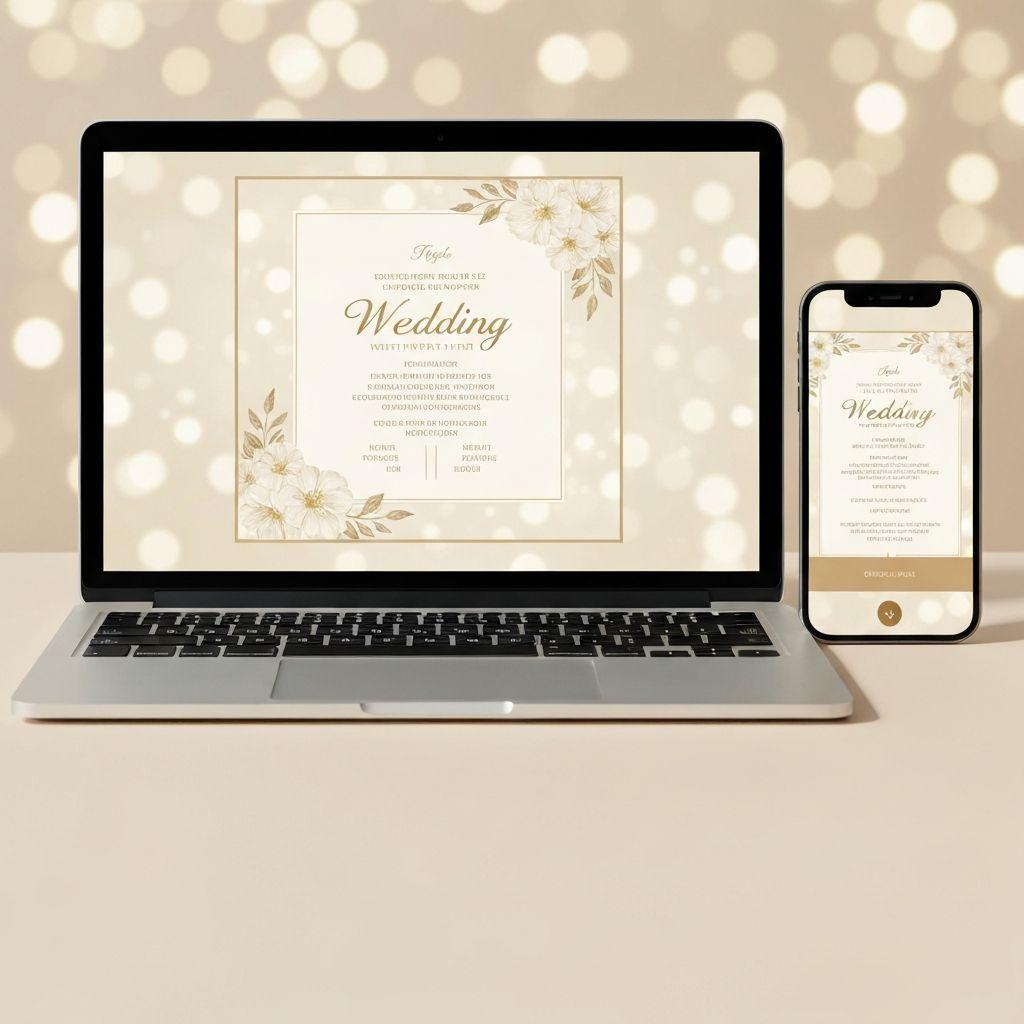
New: personal links and a wishes wall
Design stunning digital invitations, share them instantly via link, and track every response in real time. All in one place.
Features
From design to delivery to data, Invitely handles every step so you can focus on celebrating.
Choose a category, select a design, add event details, and preview the page before publishing.
One beautiful link for each invitation. Share via text, email, or social media instantly.
See who accepted, declined, or is still deciding. Real-time stats at your fingertips.
Generate a first draft from your event details, then edit the wording before you share.
Show date, time, venue, dress code, contact details, photos, and guest notes on one page.
Create drafts freely and publish shareable links after the selected plan is confirmed.
How It Works
Browse our curated collection and choose a design that matches your event style.
Enter the schedule, venue, message, contacts, and photos guests need.
Publish your invitation and share the unique link with guests via any channel.
Review accepted and declined RSVPs, guest counts, messages, and custom answers.
Gallery
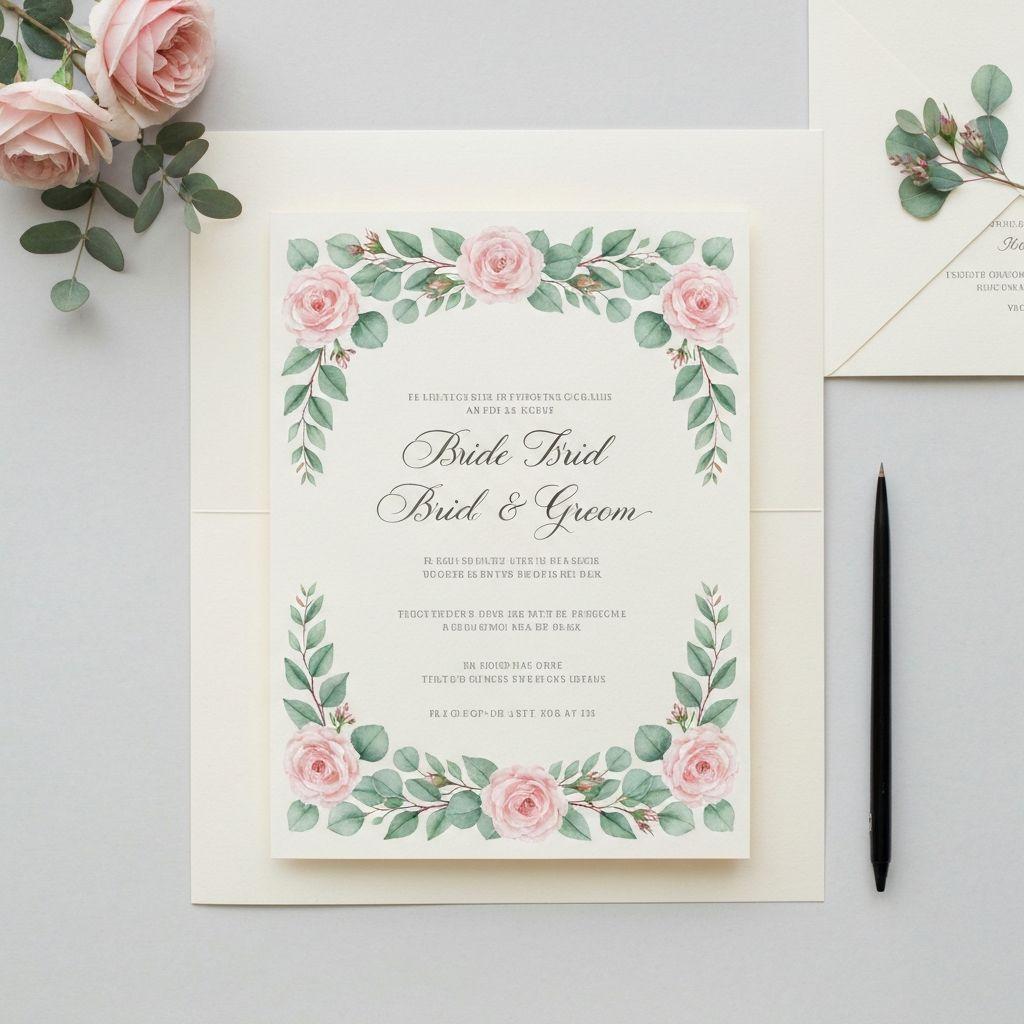
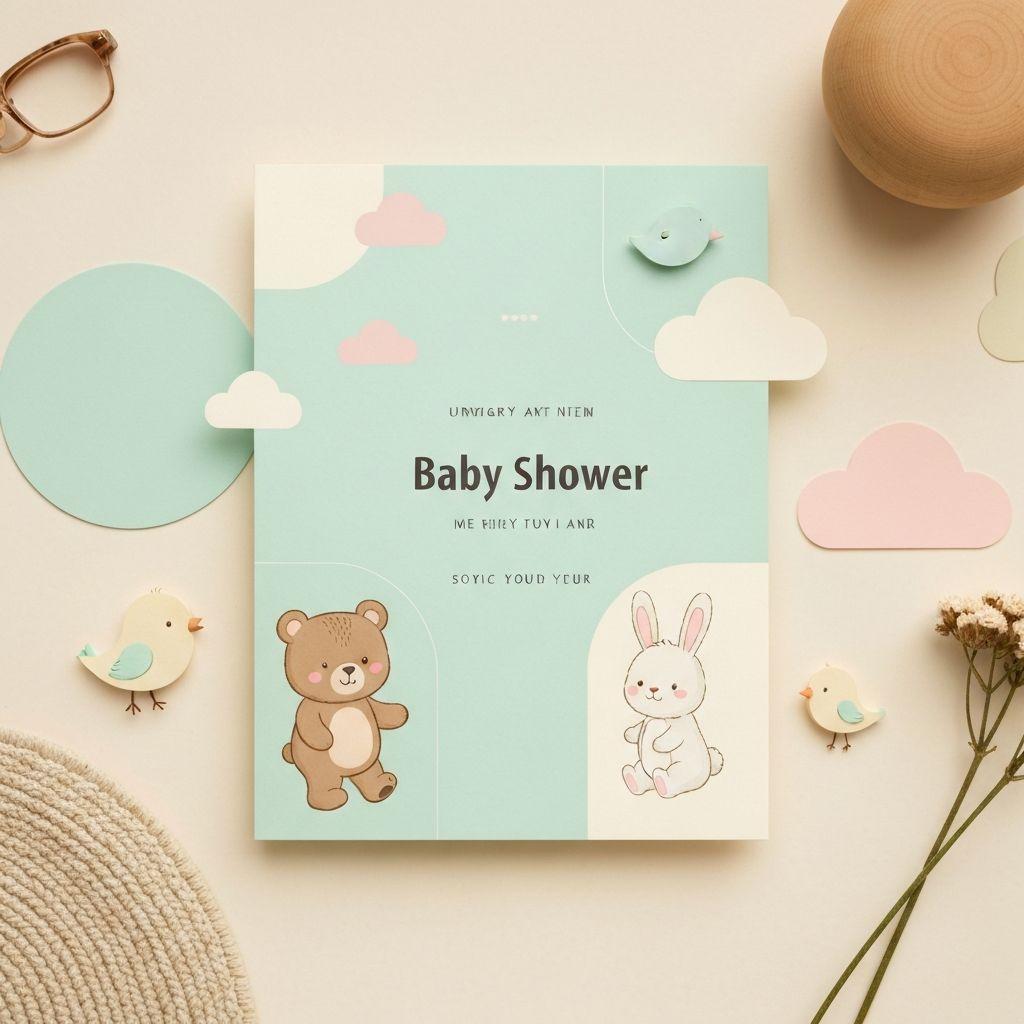
Open any design to see it the way your guests will: the envelope, the countdown, the RSVP and the wishes.
Analytics
Real-time dashboards show response rates, guest breakdowns, and trends so you can plan with confidence.
Example data
Total Invited
300
+12 this week
Confirmed
186
62% acceptance
Pending
80
27% awaiting
Declined
34
11% declined
Responses received per day this week
Overall guest response status
Examples
A few ways to make the day special. Open the demo to see each one the way guests do.
Paste the guest list from WhatsApp or Excel. Each guest gets a personal link that greets them by name, and you see who hasn't answered yet.
See the demoGuests tap the envelope, your song starts and a countdown runs to the big day. Saying yes ends in confetti.
See the demoPick a style, get three versions of the text from AI and keep the one that sounds like you.
See the demoGuests leave wishes with their answer. You choose which ones appear on the invitation.
See the demoBuild a hosted invitation page, collect RSVPs, and publish when your event is ready.